Model 1: Tutorial Shape

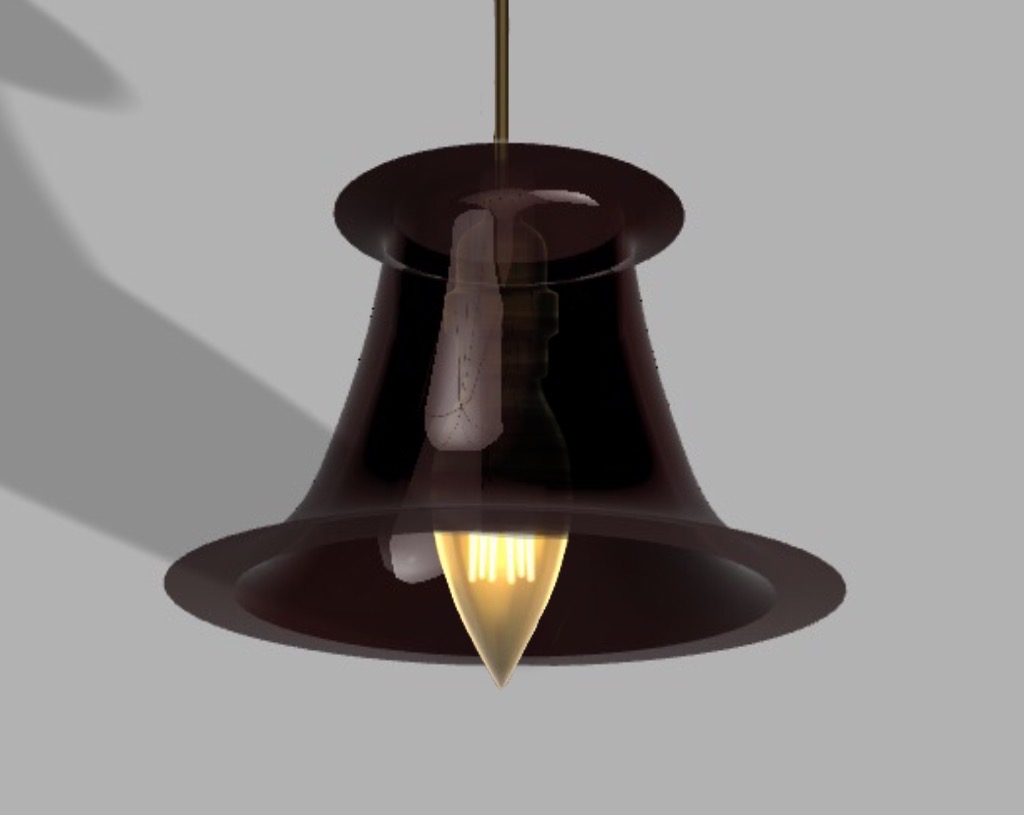
Model 2: Lampshade
The lampshade was a cool idea. I had no idea we would be able to create it from a scribble. I like the way the glass appearance effect looks, therefore, I created a pendant light for my lampshade. It was quite vague when we were asked to draw “a single scribble” so it definitely took me a few tries to get the vision I was looking for.


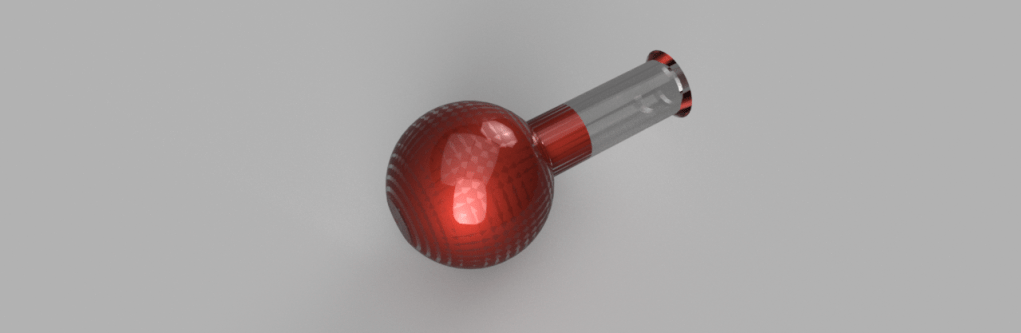
Model 3: The Flask YET AGAIN!
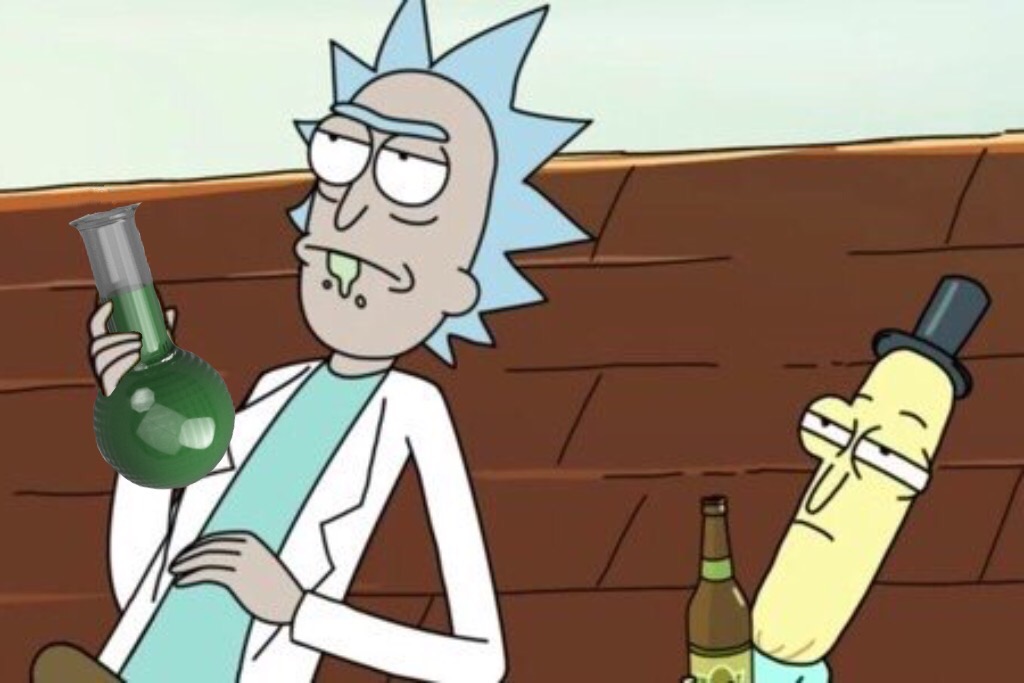
It was very helpful that we went over this in class. I realized Fusion 360 is a friend of mine. After I finished the shape I decided to play around and recreate what I made in TinkerCad.


Model 4: Return of the Bowler Hat
The bowler hat wasn’t too challenging considering we did it many times in class. I even added a nice red lining to mine. One issue I encountered with this object was that my computer struggled to render the underside of the image. I tried multiple times but it was always quite shadowy. I have included the un-rendered version for more clarification.

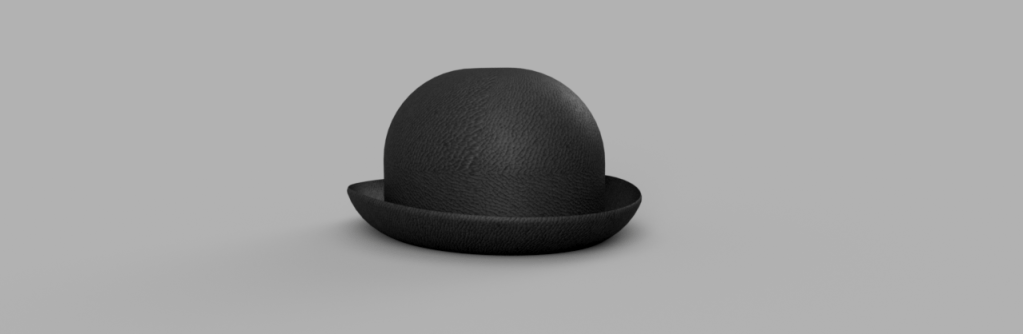
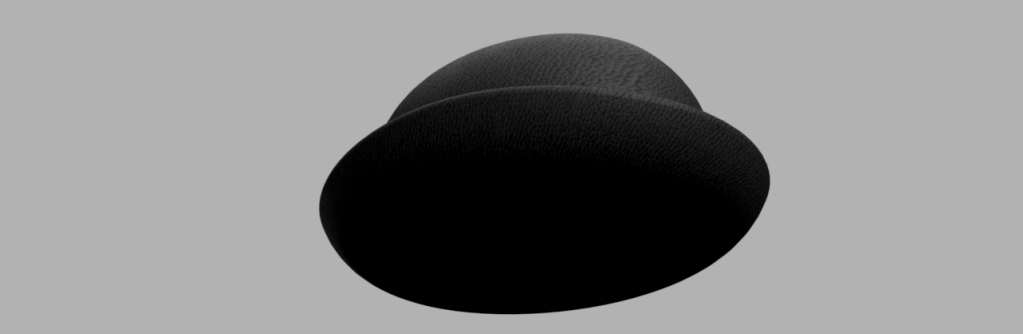


Every time we had to create a bowler hat all I thought of was the bowler hat guy from Meet the Robinsons.
 Exploring Emerging Technologies